In the contemporary landscape of comic creation, artists are increasingly expected to be proficient in both traditional analog techniques, utilizing pencil and paper, and digital methodologies. This dual expertise allows for a seamless workflow, leveraging the expansive drawing tools available in software like Manga Studio or, more recently, the powerful iPad application, Procreate. Procreate, in particular, offers a robust platform for importing existing sketches and refining them with a diverse array of customizable brushes, making its mastery an essential skill for any serious comic artist. Fortunately, its intuitive interface significantly streamlines the learning process.
Setting Up Your Digital Canvas
The foundational step in utilizing Procreate for comic creation involves preparing a double-page comic book template. These templates are readily available for free download online. For instance, the template employed by Charles Glaubitz in his tutorial can be found within the supplementary resources of his online course. Once you have acquired a suitable template, the next action is to import your initial sketch into Procreate. This sketch should then be layered on top of your chosen template, serving as the initial guide for your digital artwork.
To facilitate efficient manipulation and editing of your artwork, it is highly recommended to separate your two comic pages into distinct layers. This can be achieved by selecting the left page within your Layers menu and choosing the "Duplicate Contents" option. Subsequently, the original layer can be deleted. It is crucial to adjust these layers to precisely match the dimensions of your template. Furthermore, reducing their opacity will allow you to work on your sketch while still being able to clearly observe your digital linework. Following this, create a new layer and, within the Actions menu, activate the "Drawing Guide." This function will overlay a grid onto your canvas, providing essential visual cues for constructing your comic panels, or "vignettes."
Constructing Your Panels and Sketching
With the drawing guide activated and displaying a grid, the initial phase of digital comic creation involves drawing the frames for your vignettes. You can effectively utilize the grid lines as guides, employing a tool such as the Stylographer for precise line work. Once the frames are established, the focus shifts to developing the sketch itself. Procreate's versatile "Pencil" tool is ideal for this stage. Create a new layer specifically for your sketch, and begin to lay out the foundational shapes of your characters and other elements within each vignette on the left-hand page. This initial sketching phase is crucial for planning the composition and flow of your narrative.
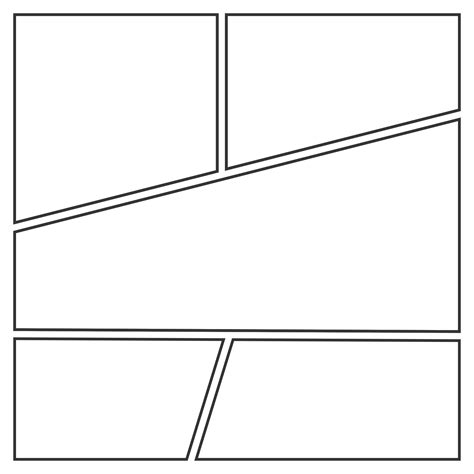
It is important to remember that the original arrangement of your paper sketch’s vignettes is not immutable. You possess the creative freedom to rearrange, combine, or even generate entirely new vignettes to achieve specific narrative effects that best serve your story. By selecting particular sections of your paper sketch, you can create new layers containing these elements. This allows for their independent manipulation, including resizing and repositioning, offering a dynamic approach to visual storytelling.
Enhancing Your Workflow with Advanced Features
The evolution of digital comic creation tools has led to the development of increasingly sophisticated templates designed to optimize the workflow for artists. Recent iterations of these templates have incorporated several key enhancements to cater to the demands of modern comic production. A significant improvement is the increase in file resolution to 600 DPI (dots per inch), a standard often preferred for professional printing, offering greater detail and clarity compared to lower resolutions like 800 DPI. This heightened resolution ensures that fine lines and intricate details are preserved, resulting in a superior final product.
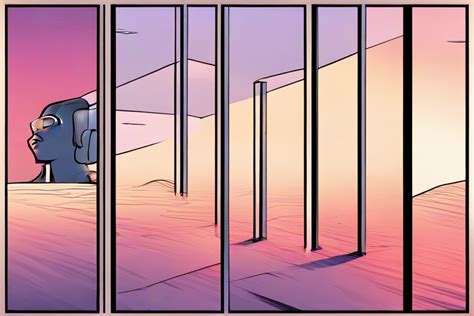
Further refining the organizational structure, these advanced templates typically feature a grouping system with four distinct layers dedicated to specific stages of the comic creation process: pencils, color, inks, and lettering. This compartmentalization not only promotes a cleaner workflow but also allows for easier iteration and modification of individual elements without affecting others. For instance, changes to the coloring phase will not impact the inked linework or the placement of dialogue balloons.
Moreover, the inclusion of additional background options within these templates provides artists with a broader palette of starting points for their scenes. These pre-designed elements can save considerable time and effort, enabling creators to focus on the core narrative and character development. Whether it's a simple texture, a detailed cityscape, or an abstract pattern, these background options can significantly enhance the visual richness of the comic.
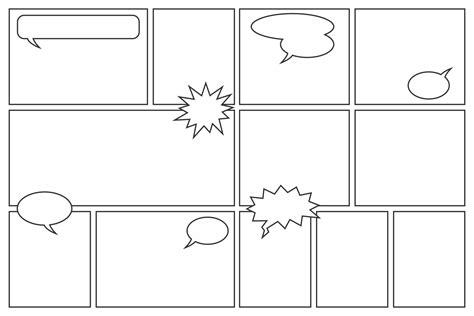
The template's adaptability is further demonstrated by the inclusion of both square and rectangle panel guides and examples. While square panels offer a consistent aesthetic, rectangular panels have been recognized as being more advantageous for print. This is because a page can accommodate a greater number of rectangular panels, typically six, without appearing cramped or compromising the visual balance, especially when the panels are not square. This consideration is particularly relevant for artists aiming for a specific page layout or adhering to traditional print formats.
The continuous iteration and refinement of these Procreate comic templates reflect a growing understanding of the specific needs of digital comic artists. The recent decision to develop a "super niche template" suggests an ongoing commitment to catering to highly specialized artistic requirements, further expanding the possibilities for digital comic creation.
How To Create Comic Books With Procreate | Page Layout
The journey of learning to use drawing as a tool for writing with images, as exemplified by Charles Glaubitz's approach in his online course 'Narrative for a graphic novel,' highlights the profound connection between visual art and storytelling. This pedagogical philosophy underscores the idea that the drawing process itself can be a powerful engine for narrative construction, allowing for the exploration of ideas and the development of compelling stories through visual means. The experimentation with making comics quickly for platforms like Instagram further demonstrates the versatility and adaptability of digital tools like Procreate in meeting the demands of contemporary content creation and audience engagement. This rapid iteration process, driven by the desire for immediate sharing and feedback, pushes the boundaries of efficiency and creativity in comic art.